RAZ Vape Not Hitting — 7 Fixes That Actually Work
01.Quick Triage — 3 Things to Check First
| Check | How to know | If yes, do this |
|---|---|---|
| Battery dead? | No screen / no LED on attempt to puff | Plug into USB-C, wait 15 min, retry |
| Blink code? | LED is blinking a specific color | Check the box manual; most blink codes mean low battery or low e-liquid |
| Airflow slider closed? | Slider on bottom is fully shut | Slide to middle position |
If all three check out and the RAZ vape is still not working, work down the numbered fix list below. The same sequence applies whether the device won't fire at all, fires weakly, or stopped hitting mid-session.
Shop The Rest of the RAZ Lineup
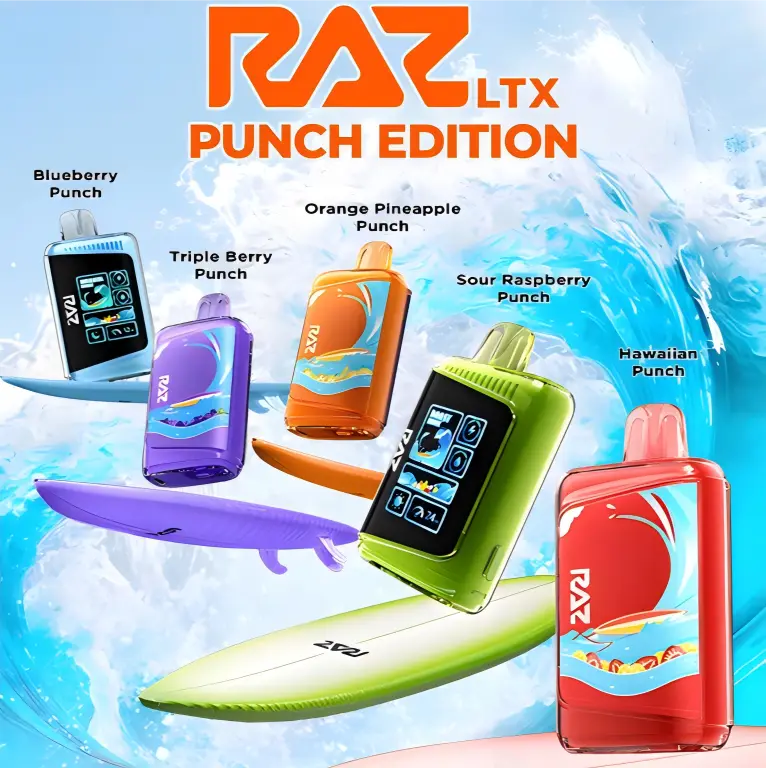
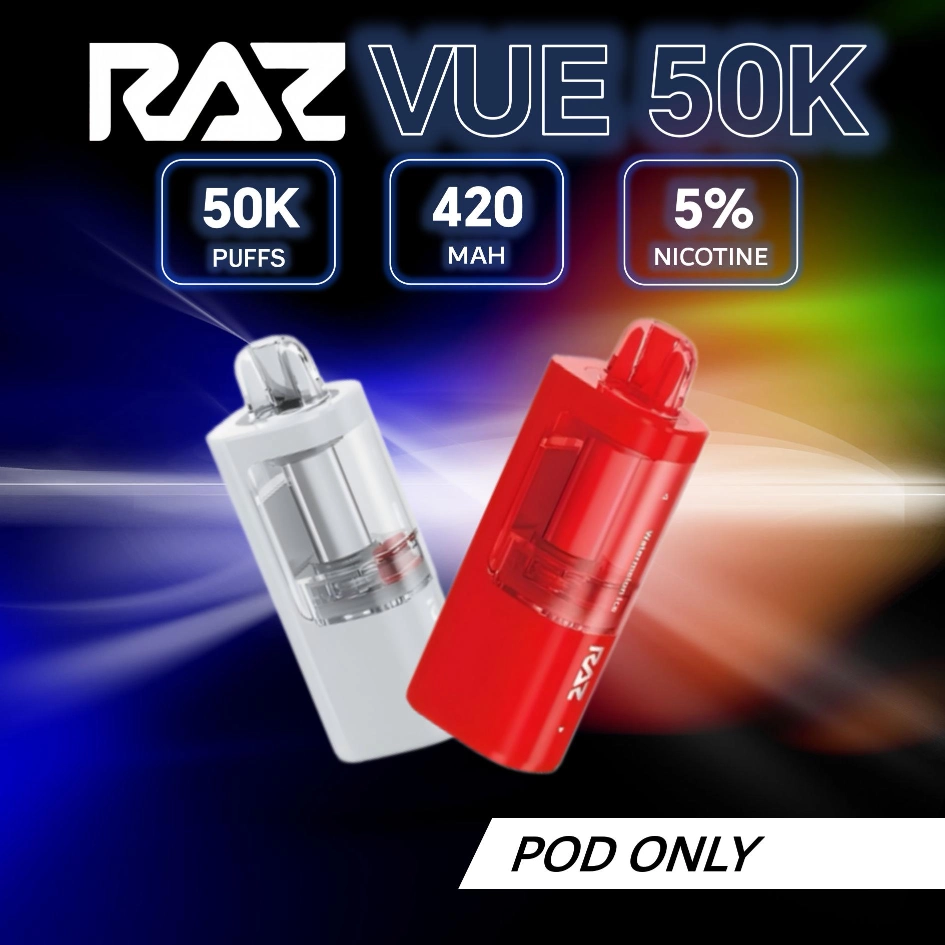
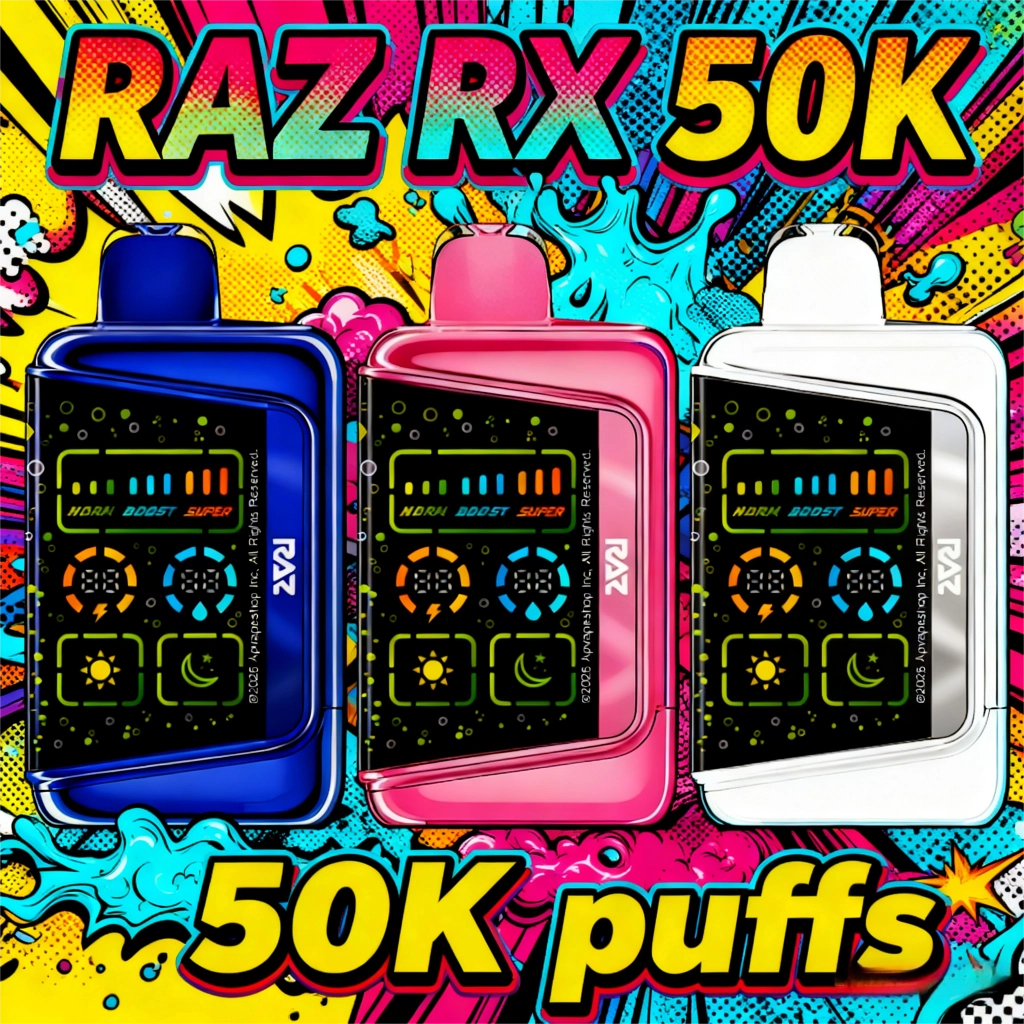
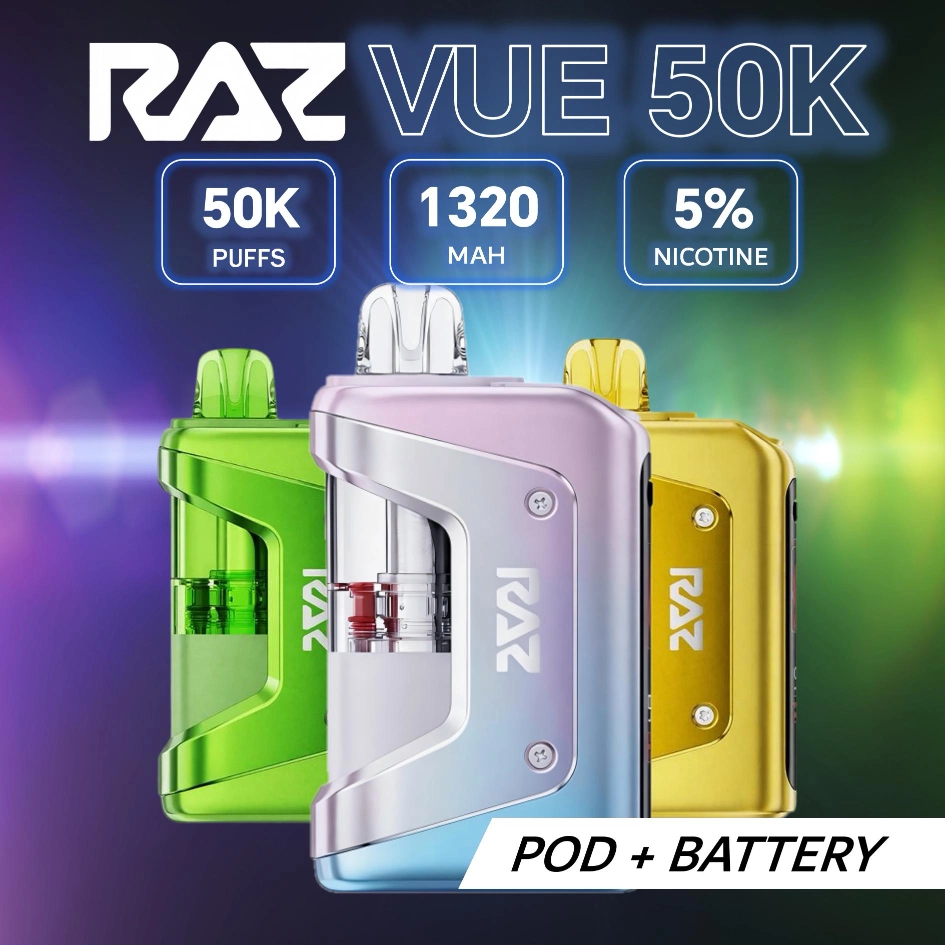
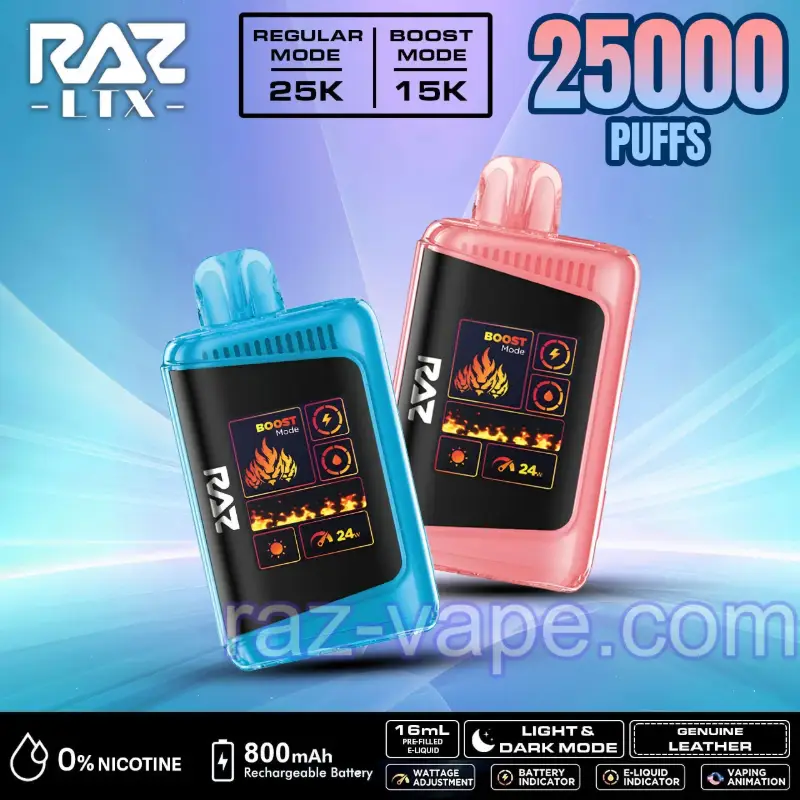

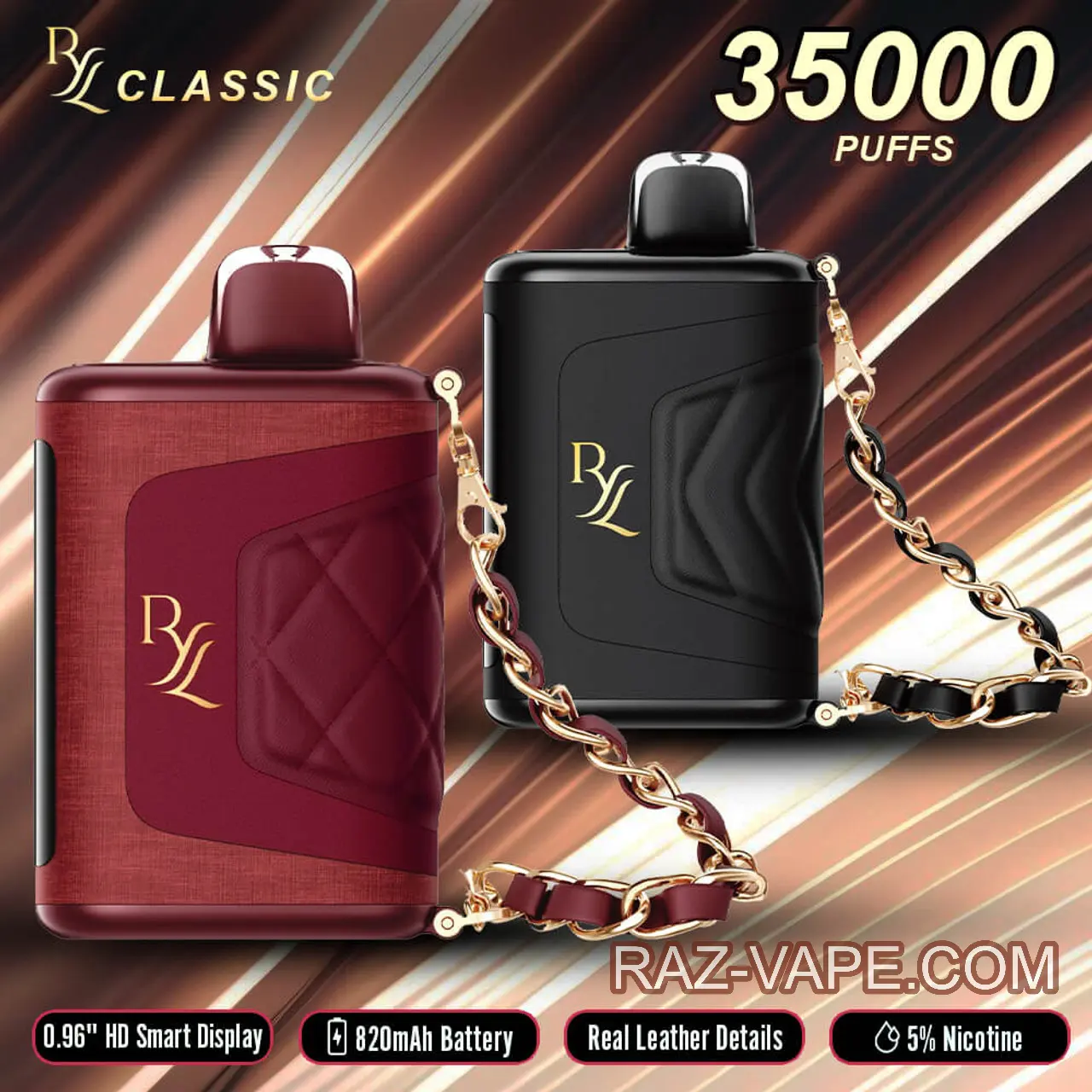
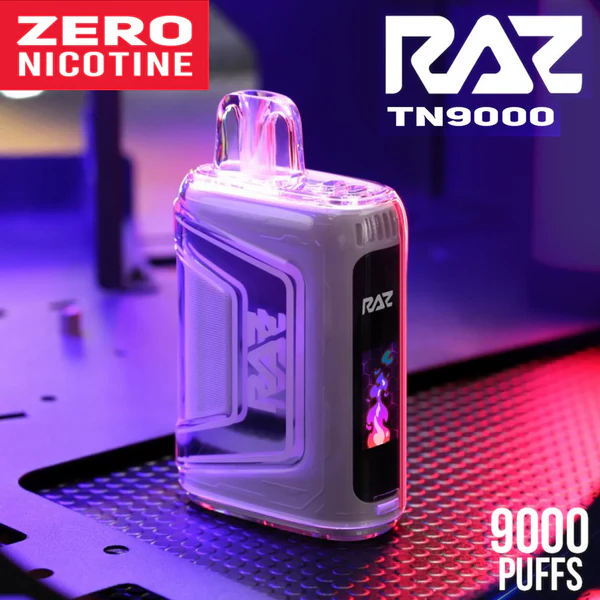
02.Fix #1 — Dead Battery (Most Common)
The single most common cause across every RAZ vape in the lineup. Plug in via USB-C, wait 30 minutes (lithium-ion cells sometimes need a wake-up period at very low charge before they show charging indicators), then try again. If the device is not charging at all — the LED or screen never lights up while plugged in — swap to a different USB-C cable — a damaged cable is the second-most-common cause inside this category. If the RAZ vape is still not working after charging for 30+ minutes on a known-good cable, the cell took the charge but the chipset is likely stuck — run the soft reset in Fix #3 before writing the unit off. Full charging walkthrough: how to charge a RAZ vape pod and every sealed model.
03.Fix #2 — Clogged Airflow Inlet
RAZ devices fire on draw activation, which depends on the pressure sensor reading airflow change. If pocket lint, cotton fibers, or dust is blocking the airflow inlet (a small hole on the bottom of most models), the sensor cannot read the puff and the device does not fire — even though the battery is fine.
Fix: find the inlet hole (look at the base of the device with a flashlight if needed), then gently blow into it from a short distance, or wipe across it with a dry cotton swab. Do not use water, do not use compressed air at close range (you can push lint deeper into the device), and do not poke anything into the inlet with a hard object. After clearing, puff to test.
04.Fix #3 — Soft Reset (Try Before Anything Else)
Run the model-specific reset sequence from the reset guide. Most RAZ devices reset with 5 rapid presses on the mode button; the TN9000 (no mode button) resets by cycling the airflow slider 5 times. The reset clears any temporary chipset fault state — sometimes the chipset gets stuck in "charging" mode even after the cable is unplugged, or in a mode-toggle limbo state that prevents the coil from firing. Reset fixes 30–40% of "not hitting" cases on the first try.
05.Fix #4 — Pod Not Seated (VUE 50K Specific)
Only applies to the VUE 50K. The pod connects to the base via a magnetic contact pad. Pocket lint on the pad, or a slightly misaligned pod-snap, breaks the electrical contact — the base may still show power, but the coil cannot fire because the circuit between pod and base is open.
Fix: pull the pod off, dry-wipe both the pod's magnetic underside and the top of the base with a clean cloth (no liquid), snap the pod back on with firm pressure. If pod-base alignment is off, the pod-snap should feel firm and audible — a soft or wobbly snap means the pod is not seating, try again.
06.Fix #5 — Burnt Coil / Dry Hit
If the device fires but the vapor tastes scorched or burnt, the coil has burnt through its remaining wick — typically because the e-liquid reservoir is empty or near-empty, and the coil has been firing dry for the last several puffs. The smell is unmistakable: charcoal, burnt cotton, no flavor. There is no fix for a burnt coil; the device is at end-of-life and needs replacement. Recycle the dead device through a battery drop-off — see the recycling guide.
07.Fix #6 — Auto Lock from Overpuff
RAZ devices include a protective auto-lock that triggers when the chipset detects continuous coil firing beyond about 7–10 seconds. This protects the cell from overheat damage during chain-puffing or stuck-puff scenarios (a child holding the device against their face, the device caught in a pocket activating constantly). If the lock triggers, the device refuses to fire for about 30–60 seconds, then auto-resets.
Fix: wait 60 seconds, then take a normal 3-second puff. The lock clears on its own. If it triggers repeatedly without obvious chain-puffing, the airflow inlet might be jammed open by debris — see Fix #2.
08.Fix #7 — Bad Unit (Replace Under Warranty)
If you have run Fixes #1 through #6 and the device still does not hit, the device is in a warranty case. Email service@raz-vape.com with your order number, the device serial number (on the box or the device underside), a brief description of what you tried, and a photo or short video of the issue if possible. Replacement decisions come back within 1 business day in most cases. Full warranty policy and timelines on the Support & Warranty page. While you wait on a replacement, browse every RAZ vape flavors profile, compare the raz vape 25k against the raz vape 50k VUE pod base, or see pod-swap pricing on the RAZ Vape Refill page.
09.Why Is My Brand New RAZ Vape Not Hitting or Not Working?
If a RAZ vape is not working brand new, straight out of the box, the issue is almost always one of three things rather than a true defective unit:
- Coil not preheated. The very first puff fires on a cold coil — vapor comes out weak. Puffs 2 and 3 are full strength. Take a slow first puff, wait 5 seconds, take a second puff.
- Mouth seal not tight. If your lips do not fully close around the mouthpiece, ambient air dilutes the puff. Press firmly around the mouthpiece.
- Airflow slider in extreme position. A fully-closed airflow can register as no airflow at all on the pressure sensor. Slide to middle and retry.
True defective-on-arrival is uncommon and is warranty-covered. Email service if the device legitimately produces no vapor after these three checks plus the seven fixes above.
10.Model-Specific Quick Reference
| Device | Most common "not hitting" cause |
|---|---|
| RAZ TN9000 | Airflow slider fully closed (the slider is sensitive on this model) |
| RAZ DC25000 / LTX 25K | Stuck mode toggle — reset clears it |
| RAZ RYL Classic 35K | Chamber switch in between positions — slide fully to one chamber |
| RAZ RX 50K | Eco mode firing too weak to feel — switch to Normal to verify |
| RAZ VUE 50K | Pod magnetic contact dirty — wipe pad |
11.How to Reset a RAZ Vape (Soft Reset, All Models)
RAZ devices have no hard-reset button — a soft reset power-cycles the chipset to clear a frozen screen, a stuck LED, or a no-fire state. It does not reset the puff counter, refill e-liquid, or revive a dead battery (charge that on USB-C first).
| Device | Reset sequence | Wait |
|---|---|---|
| RAZ TN9000 | Cycle the airflow slider fully closed → fully open 5× | 10 sec, then puff |
| RAZ DC25000 / LTX 25K | 5 rapid presses on the mode button | 5 sec, screen relights |
| RAZ RYL Classic 35K | 5 rapid presses on the mode button | 5 sec, screen relights |
| RAZ RX 50K | 5 rapid presses on the mode button | 5 sec, screen relights |
| RAZ VUE 50K | Pull pod off · wait 10 sec · 5 presses on the base mode button · snap pod back on | 5 sec, base relights |
"Rapid" means under one second apart — slower presses get read as individual mode toggles instead of a reset trigger. If the device is totally dark with no screen or LED, that's a dead battery, not a chipset fault: see the RAZ vape pods charger and dead-battery guide.
12.RAZ Vape Blinking Light Codes — What Each Pattern Means
A blinking LED is the device talking to you. A RAZ vape blinking red three times is the low-battery signal; a RAZ vape that won't hit and won't turn on at all, with no light and a screen not working, is a fully drained cell rather than a fault. Every flash pattern has a specific meaning:
| Blink pattern | Meaning | What to do |
|---|---|---|
| 3 blinks then off | Low battery (most common) | Charge on USB-C 40–60 min |
| 5 rapid blinks | Short circuit / pod-contact error | Wipe contacts (VUE: remove pod, wipe, reseat) |
| 10 blinks | Overheat or 10-second overpuff timer | Set it down 30 sec to cool |
| Continuous fast flash | Critical error / overheating | Stop using, let it cool 2–3 min |
| Slow pulse while plugged in | Normal — battery is charging | Nothing; it stops when full |
The most common blink — red, three flashes — is just a low battery, not a defective coil. If a fresh-off-the-charger device still blinks red, run the reset above, then clean the contacts.
13.How to Take Apart a RAZ Vape (Recycling Only)
None of the seven fixes above change with nicotine strength — the 0 mg units use the same chipset, coil and airflow, so a RAZ no nicotine vape that stops hitting gets diagnosed exactly the same way.
A RAZ is a sealed disposable — non-refillable reservoir, non-replaceable coil, non-swappable battery, and zero user-serviceable parts. Opening it won't fix or refill anything; if it stopped working, run the reset and the seven fixes above, then warranty replacement. The only valid reason to open a finished unit is to remove the lithium-ion cell for battery recycling — take it to a battery drop-off, never the household trash. Do not attempt a home teardown: the lithium-ion cell punctures easily and is dangerous outside the shell.
Tried Everything? Warranty Replacement Is Quick
Email service@raz-vape.com with order number and photo — decisions within 1 business day in most cases.