
It is frustrating. You just bought a new RAZ TN9000, but it’s blinking, not hitting, or tasting weird. Before you throw it away or assume it is broken, you should know that many of these issues can be fixed with a simple “reset.”
While disposable vapes don’t have a literal “factory reset” button like a smartphone, there are specific troubleshooting steps you can take to clear sensor errors, unclog airflow, and reset the battery management system (BMS). As the official brand headquarters of RAZ Vape, we have compiled this comprehensive guide to help you get your device back up and running.
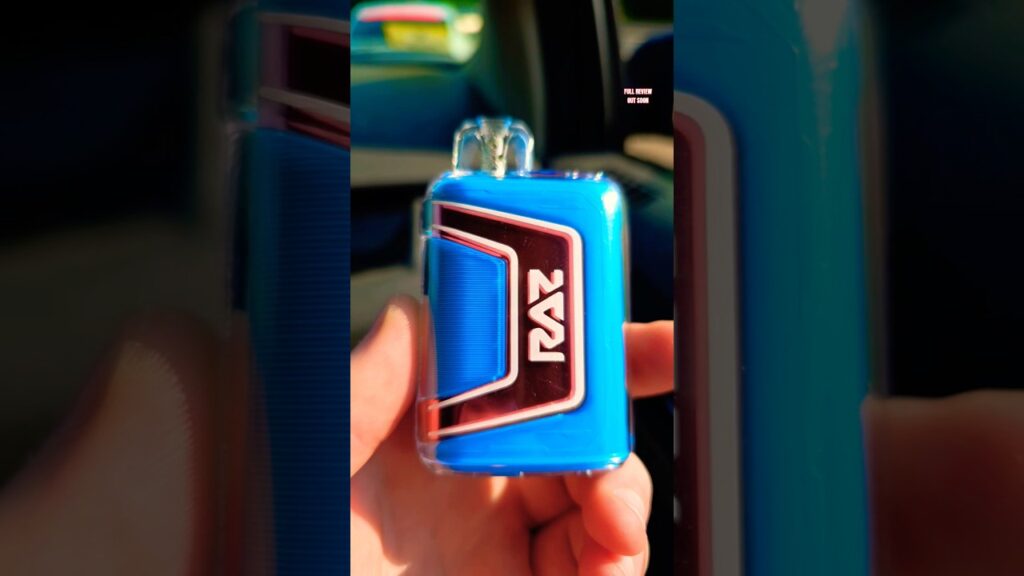
Diagnostic 1: RAZ Vape Won’t Turn On / Not Hitting
If you are inhaling but getting no vapor and no light, follow this checklist:
Step 1: Check for “User Error” (Stickers & Plugs)
It sounds simple, but 30% of our support tickets are resolved here. All new RAZ devices come with:
- A sticker covering the bottom airflow holes.
- A silicone plug inside the mouthpiece.
If you don’t remove both, the airflow sensor cannot detect your breath, and the device will not fire.
Step 2: The “Airflow Reset”
Sometimes the microphone sensor gets stuck. Try this:
- Locate the airflow slider at the bottom.
- Slide it back and forth rapidly 3-4 times.
- Set it to the fully OPEN position.
- Take a sharp, strong puff to dislodge any dust blocking the sensor.
Diagnostic 2: RAZ Vape Not Charging
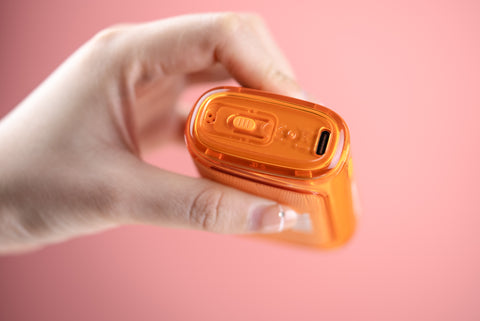
You plugged it in, but the screen stays dark or the battery percentage isn’t moving. Here is how to fix it:
1. Clean the USB-C Port
Lint and dust from your pocket can pack into the charging port, preventing a connection. Use a wooden toothpick (not metal) or a can of compressed air to gently clean the port.
2. Swap the Cable
Not all USB-C cables are created equal. High-wattage “fast chargers” for laptops (like MacBook chargers) may be too powerful for the vape’s BMS chip, causing it to reject the charge for safety. Try using a standard USB-A to USB-C cable plugged into a low-voltage block (like a PC USB port). For a full walkthrough on cables, charge times, and model-specific steps, see our complete RAZ vape charging guide.
Fact Check: According to battery safety guidelines from the FDA, you should always use the charger intended for the device and avoid leaving it charging unattended.
Diagnostic 3: Burnt Taste (The “Dry Hit”)
A burnt taste means the mesh coil is heating up dry cotton instead of e-liquid. This is harsh and unpleasant.
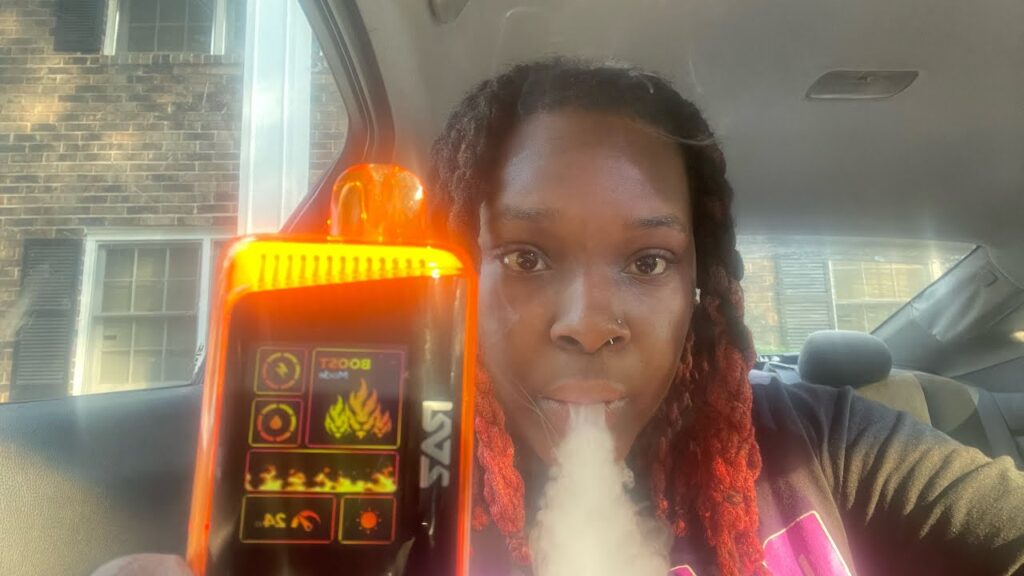
Scenario A: It’s Brand New
If a new device tastes burnt immediately, you likely didn’t let it “prime.” After removing the plug, you must wait 2-3 minutes for the juice to soak into the coil before vaping.
Scenario B: It’s Been Used
If you have been using it for a while, check the e-liquid indicator on the RAZ DC25000 screen. If the drop icon is blinking red or showing zero bars, the device is empty. You cannot reset an empty vape. It is time to recycle it and buy a new one.
Diagnostic 4: Blinking Light Codes
The LED indicator or screen communicates specific errors:
- Blinking 10 times: Low Battery. Charge the device.
- Blinking 3 times (Rapidly): Short Circuit Protection. The device has detected a fault and shut down to prevent overheating. This usually means the device is defective or damaged by water drops.
- Steady Light but No Vapor: Auto-fire protection. The sensor is jammed. Try the “Airflow Reset” mentioned above.
When to Give Up? (Hardware Failure)
If you have tried cleaning the port, switching cables, and clearing the airflow, but the device still won’t work, it may be a “DOA” (Dead on Arrival) unit. While rare, manufacturing defects happen.
If you purchased from our official store, please check our Refund & Returns Policy. If you bought it from a gas station, it might be a counterfeit. Always verify your device here: Product Authentication.
Conclusion
Most “broken” RAZ vapes are just clogged or out of power. By following these simple reset steps, you can often revive your device and get back to enjoying your favorite flavors. Learn more RAZ Vape instructions at our official usage manual page.
However, disposable vapes have a lifespan. If your puff counter is at zero or the liquid is gone, no amount of resetting will bring it back. It is time for a fresh start—check out our best-selling models below.
Shop Authentic & Fresh RAZ Devices
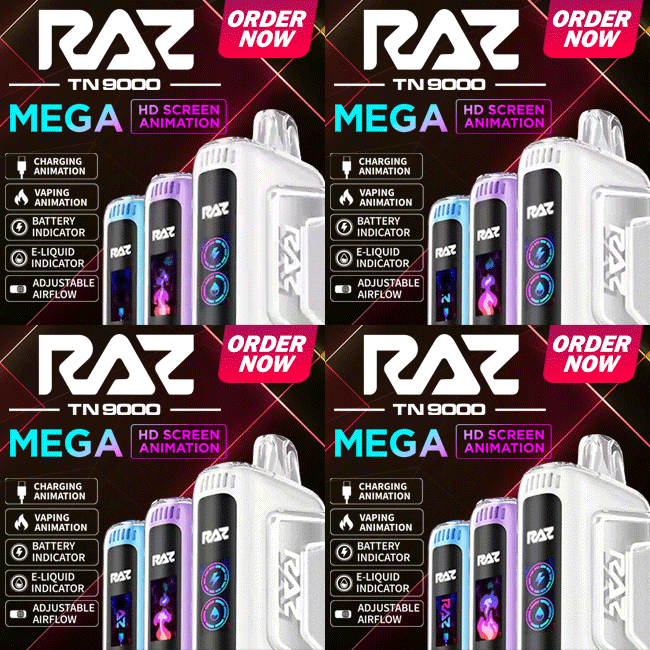
RAZ TN9000
9,000 Puffs
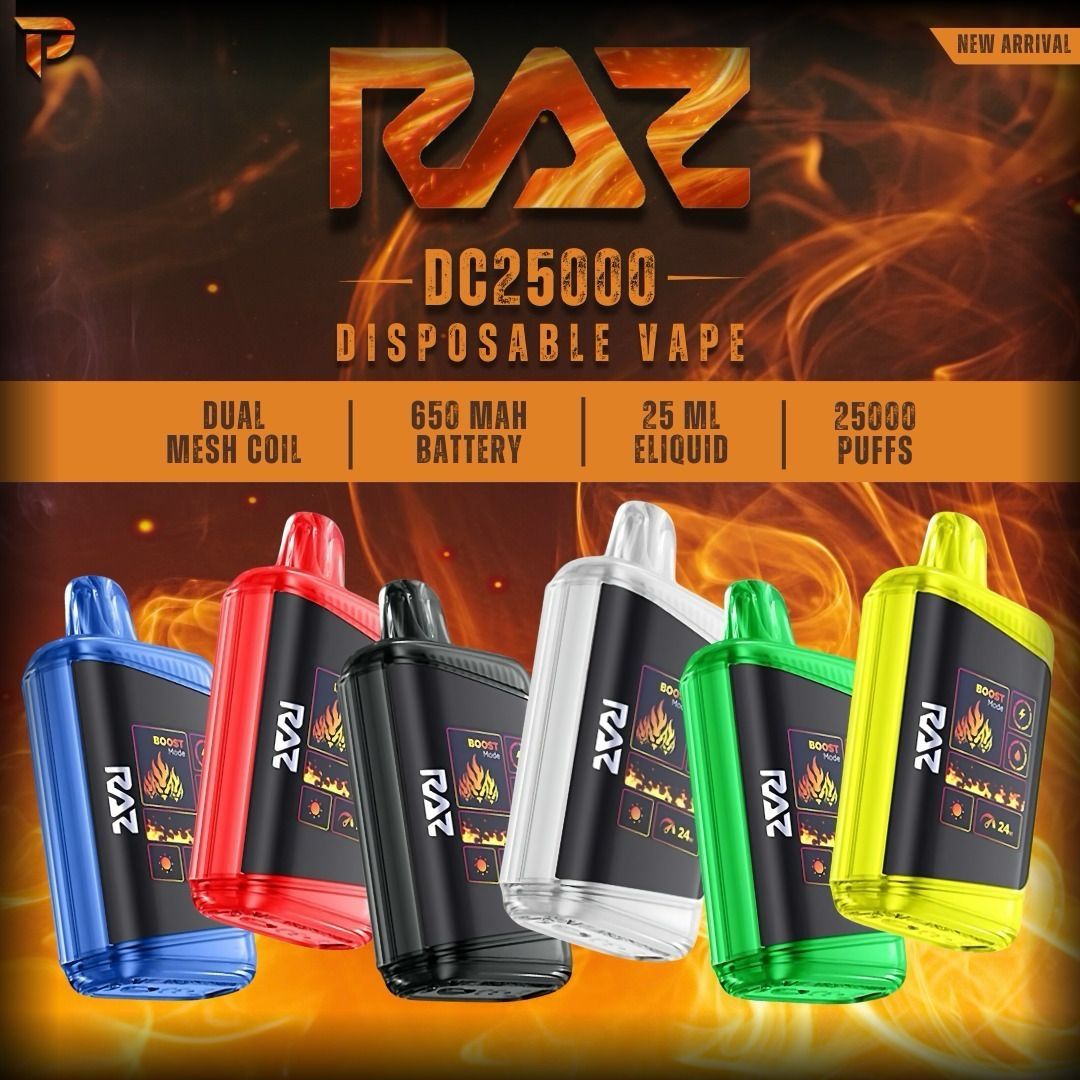
RAZ DC25000
25,000 Puffs
RAZ RX 50K
50,000 Puffs

Purse Vape (35K)
Fashion Edition
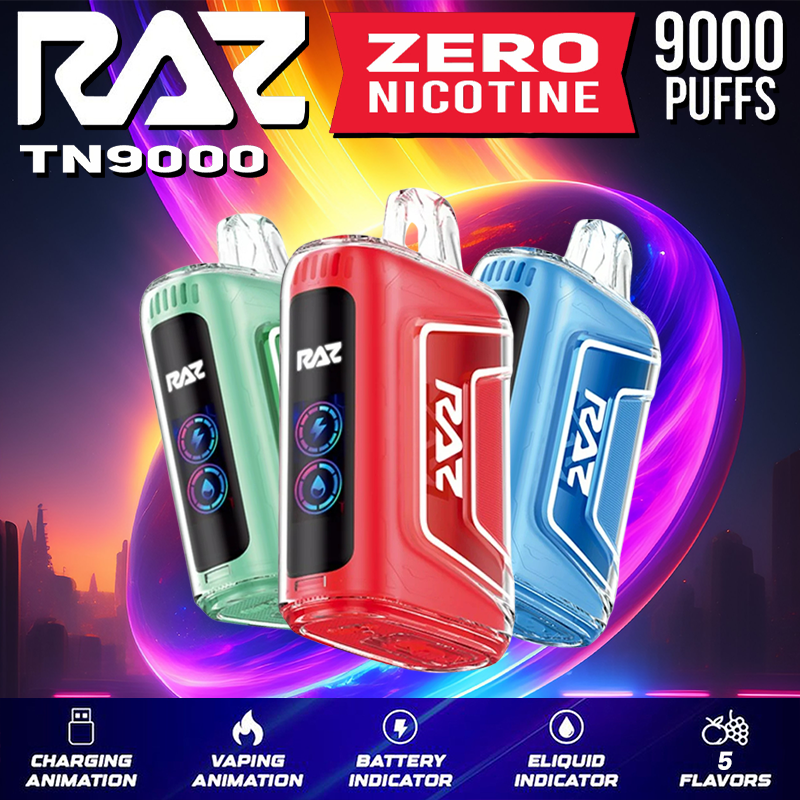
TN9000 Zero Nic
0% Nicotine
LTX 25K Zero Nic
0mg Strength
View All
Flavors →
Frequently Asked Questions About Resetting