Lost your box? This is the complete operation guide for every RAZ vape device — from the VUE 50K to the classic TN9000. Screen icons, mode switching, airflow, charging — everything in one page.
| Model | Puffs | Modes | Airflow | Screen |
|---|---|---|---|---|
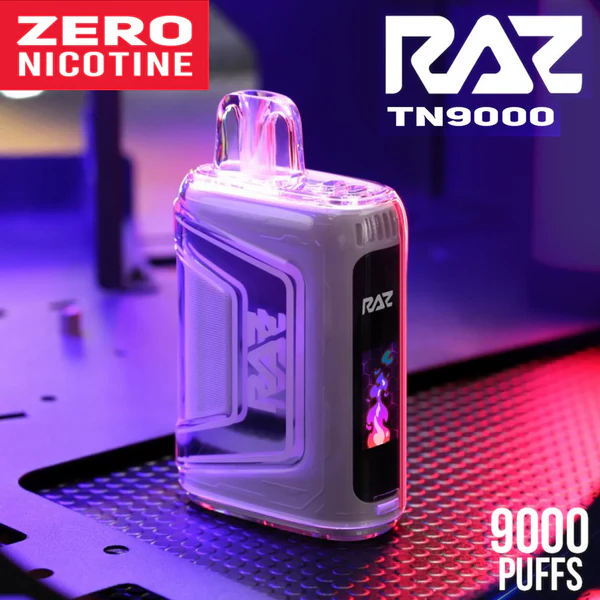
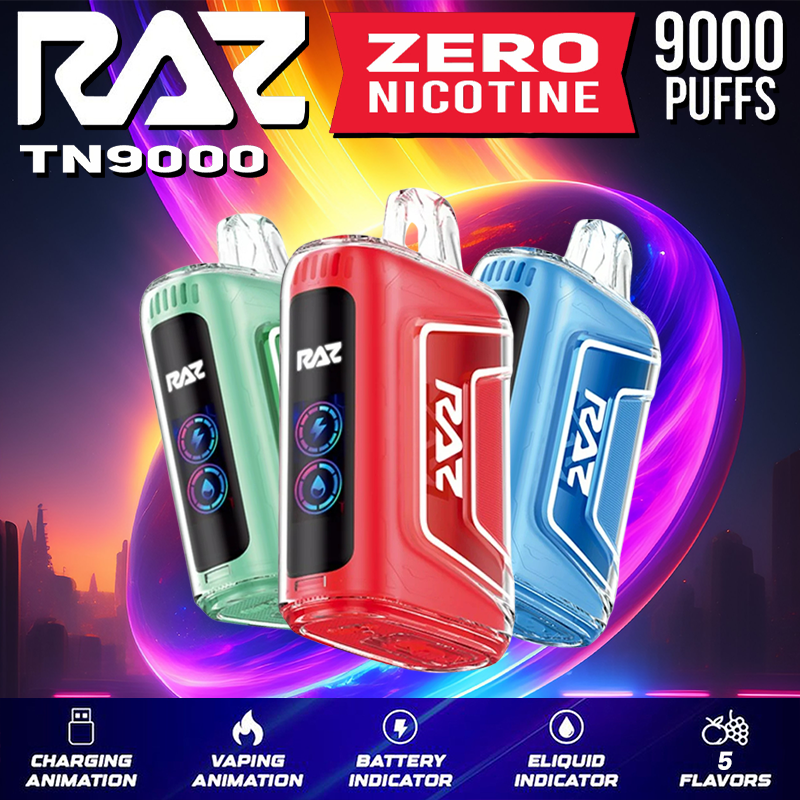
| TN9000 | 9,000 | Single | Bottom slider | HD ring display |
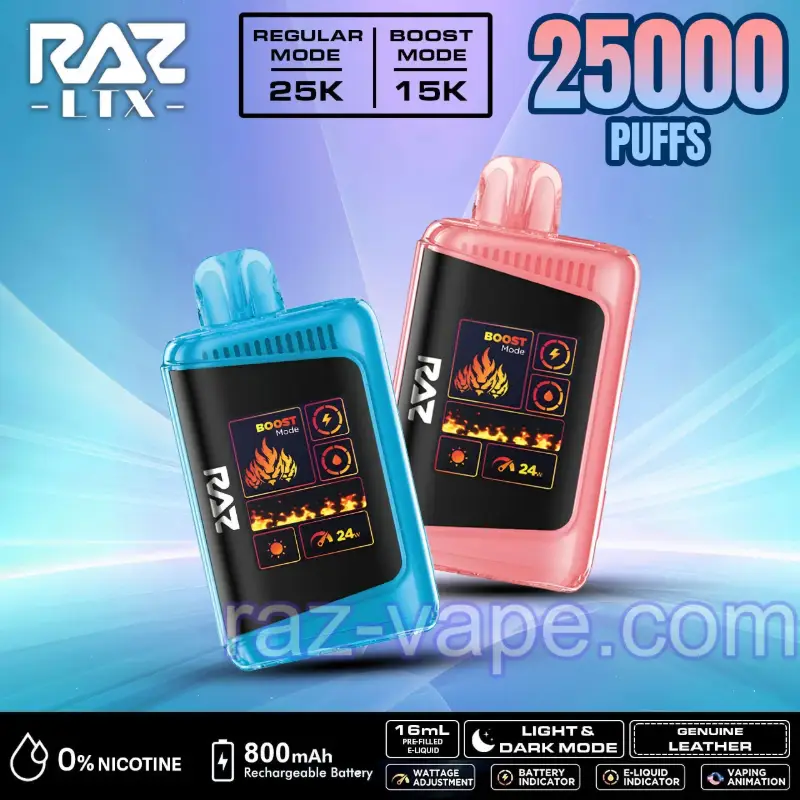
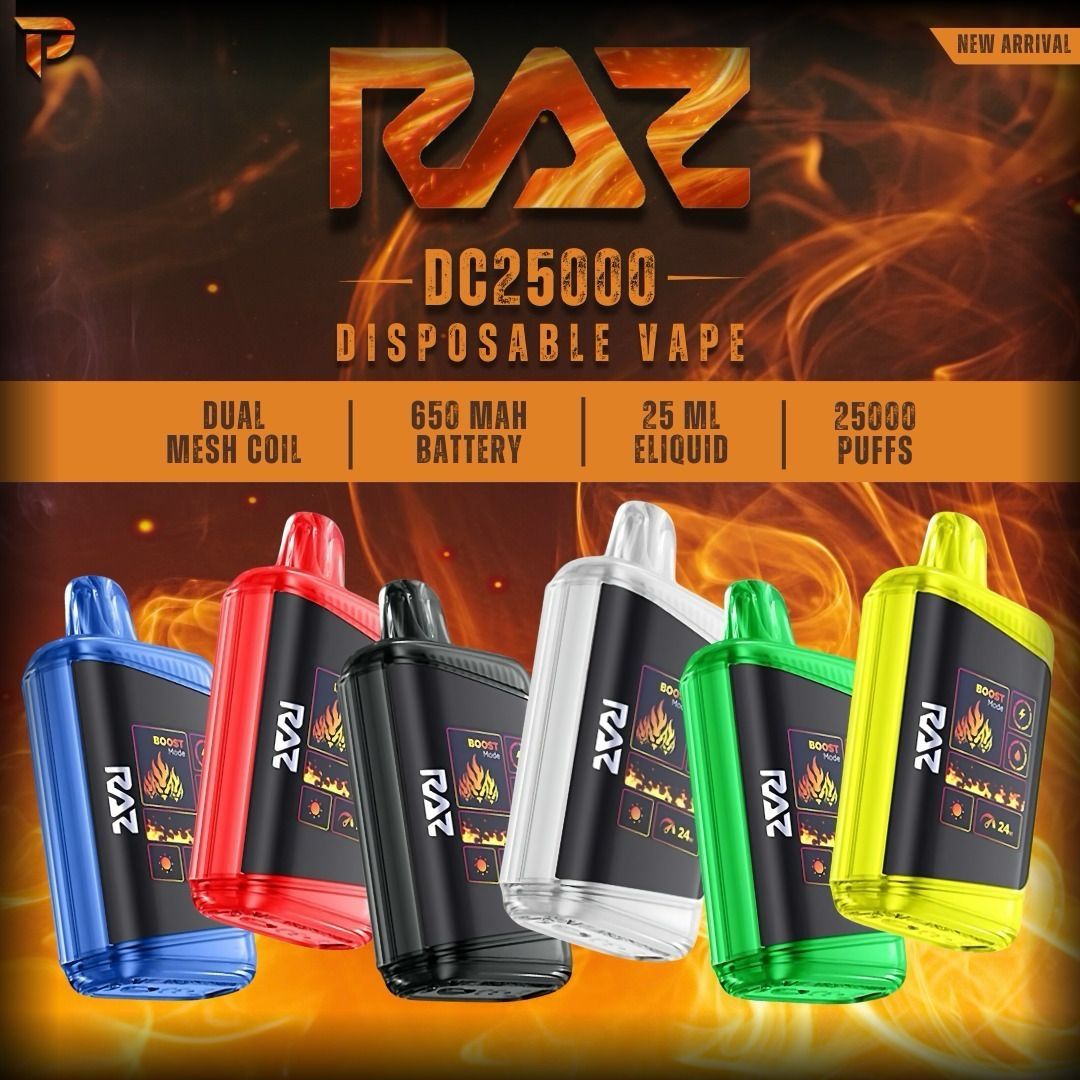
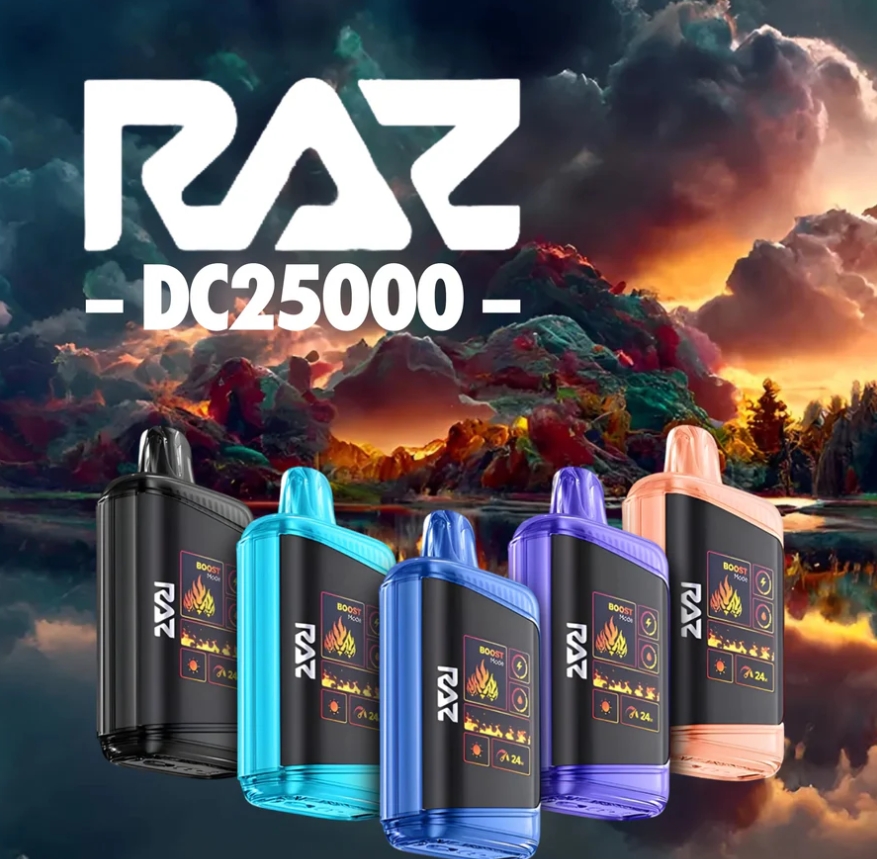
| LTX 25K (DC25000) | 25K / 15K | Normal + Boost | Bottom slider | Mega HD + wattage meter |
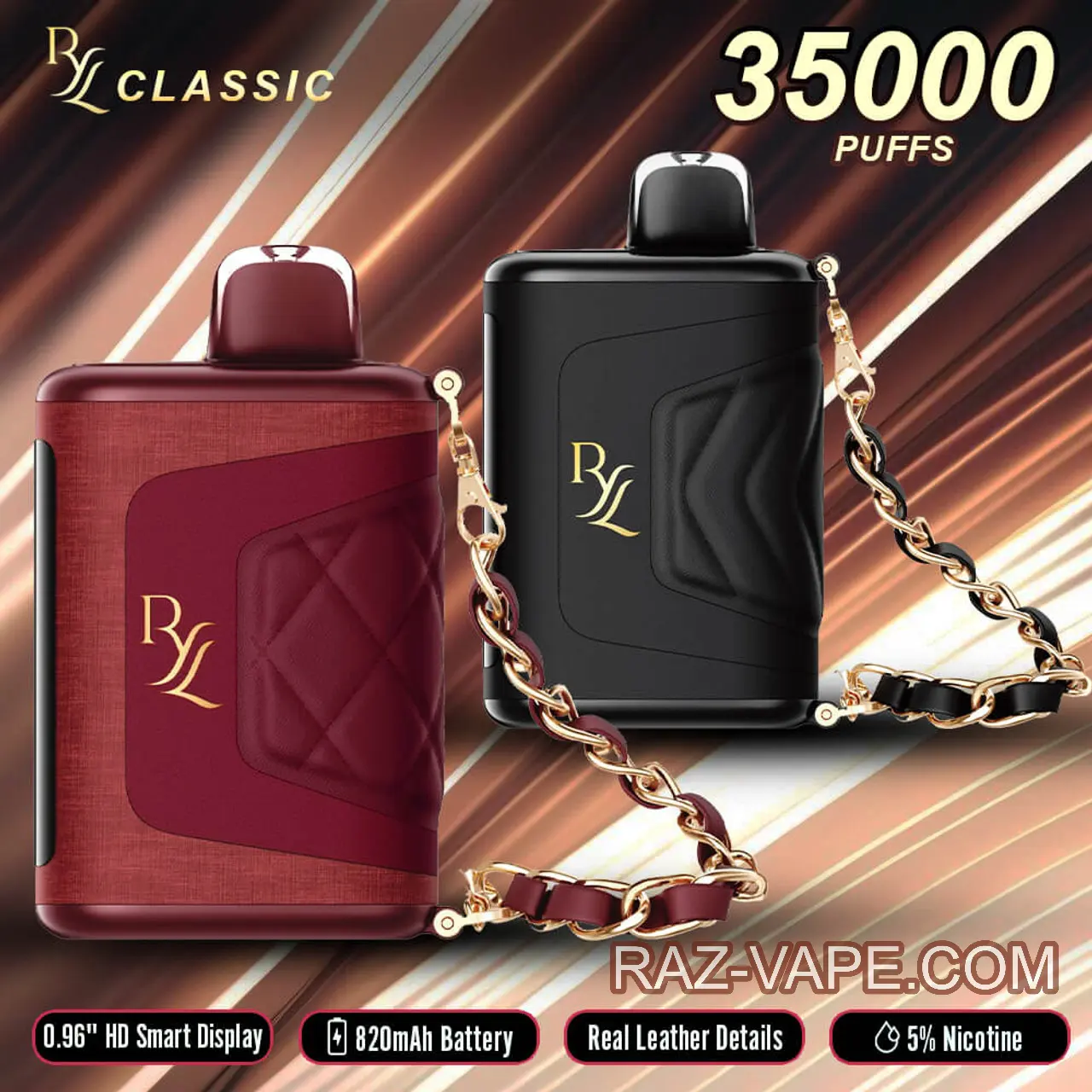
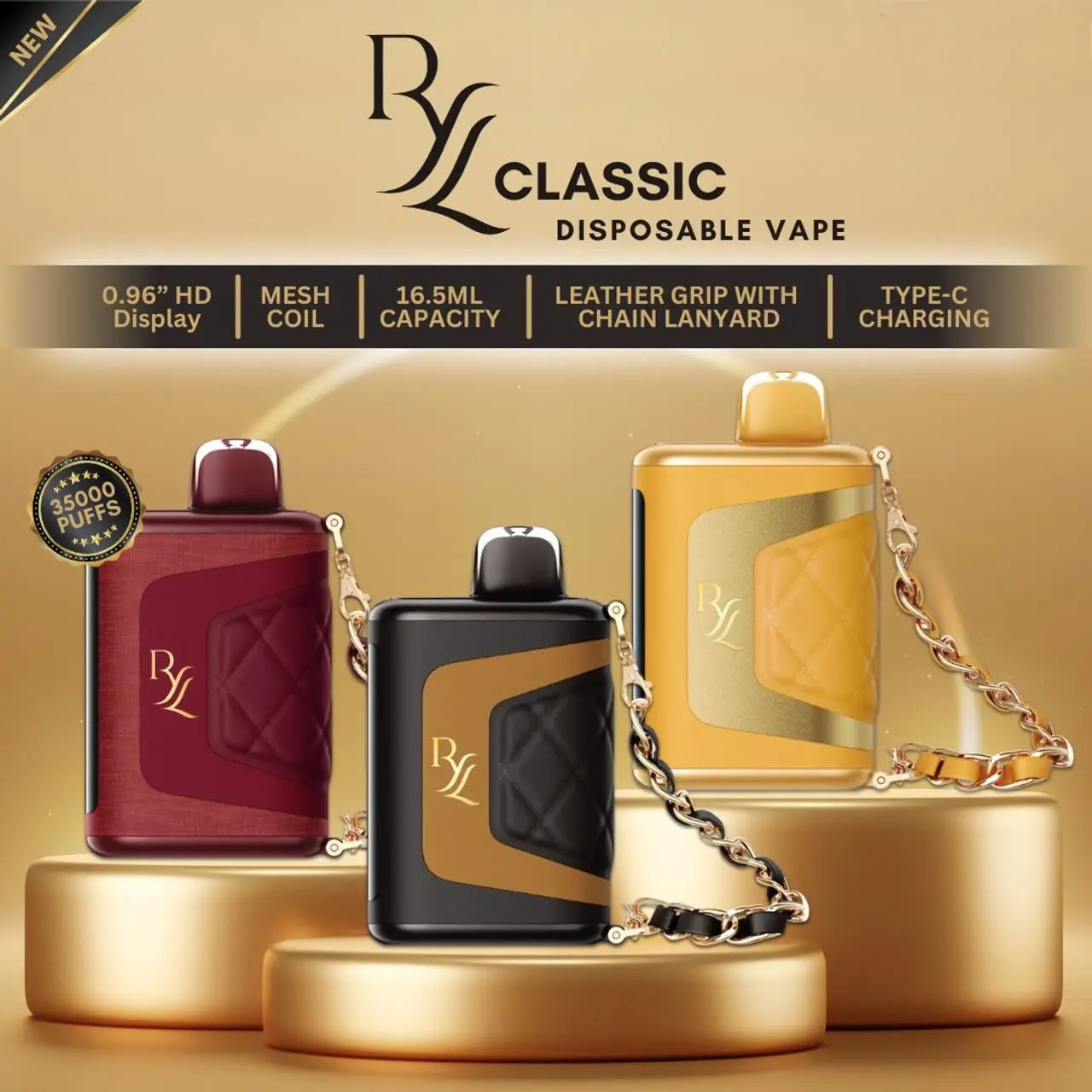
| RYL Classic 35K | 35,000 | Soft + Boost | Bottom switch | Side arch display |
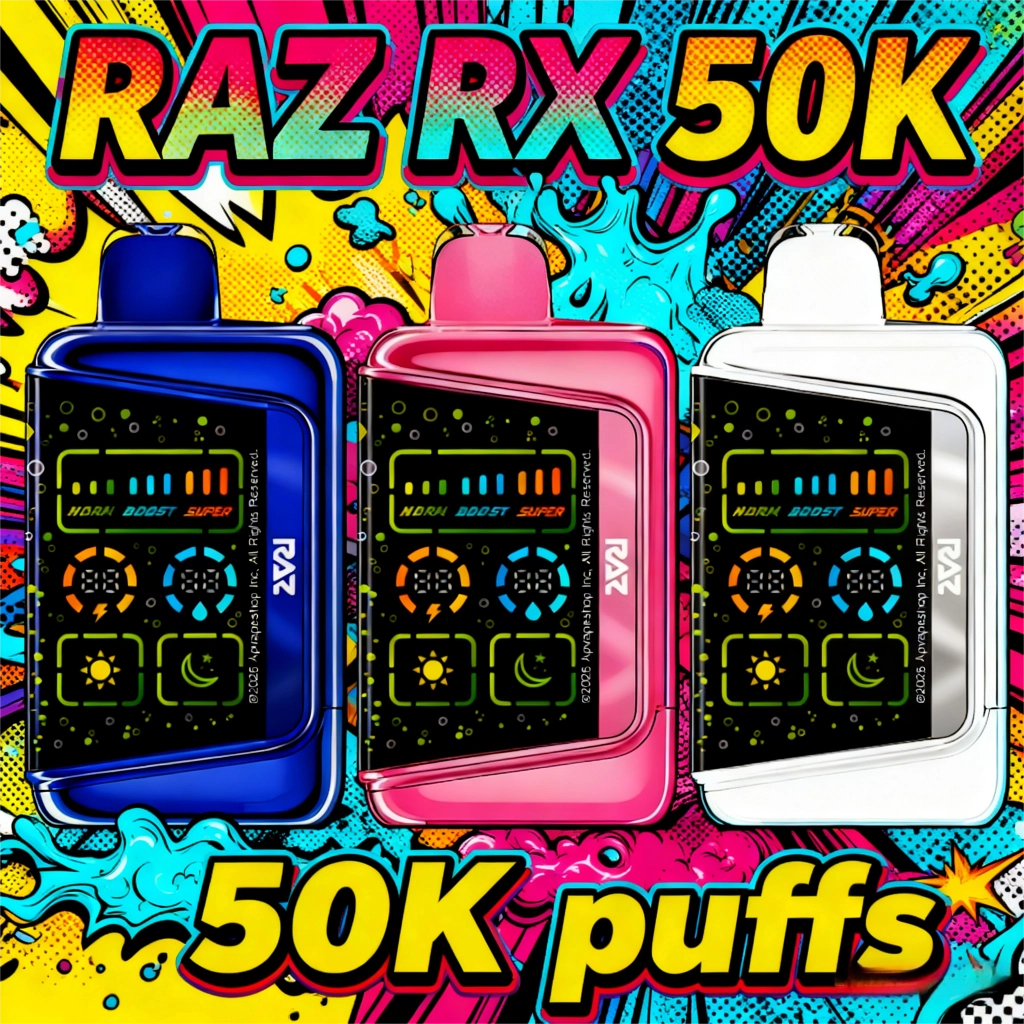
| RX 50K | 50K / 25K / 20K | Normal + Boost + Super | Bottom slider (3 levels) | 3D HD + 9-bar meter |
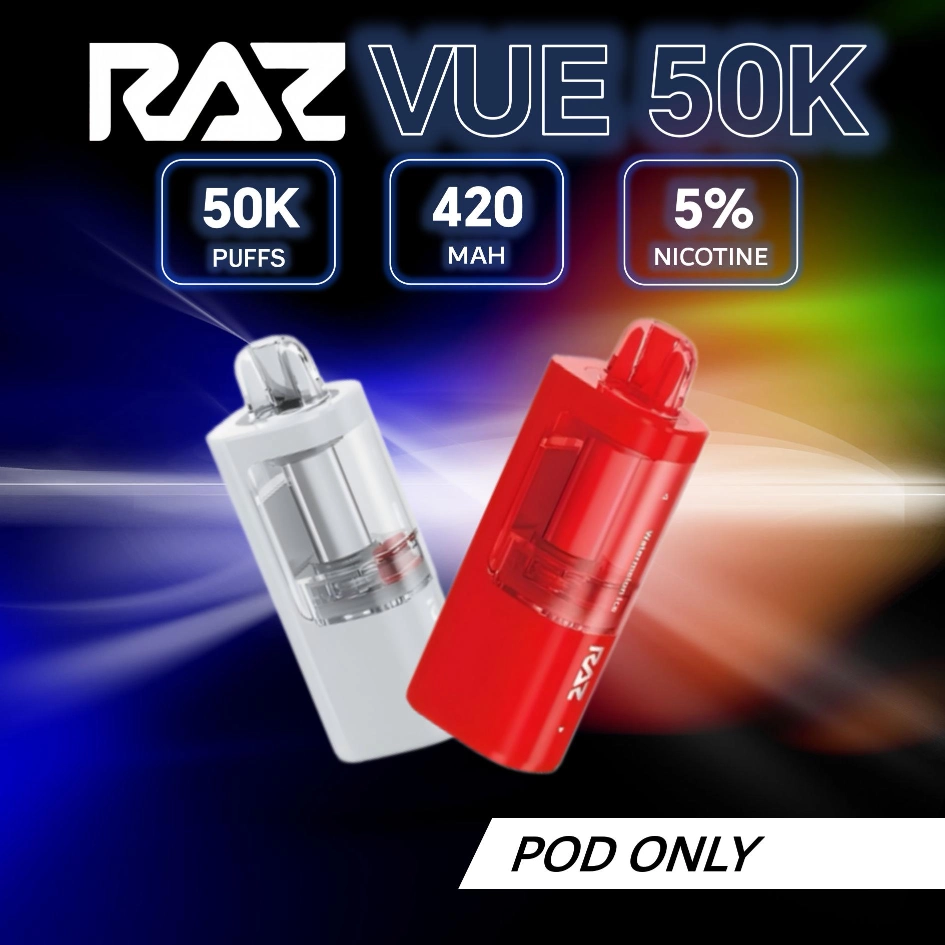
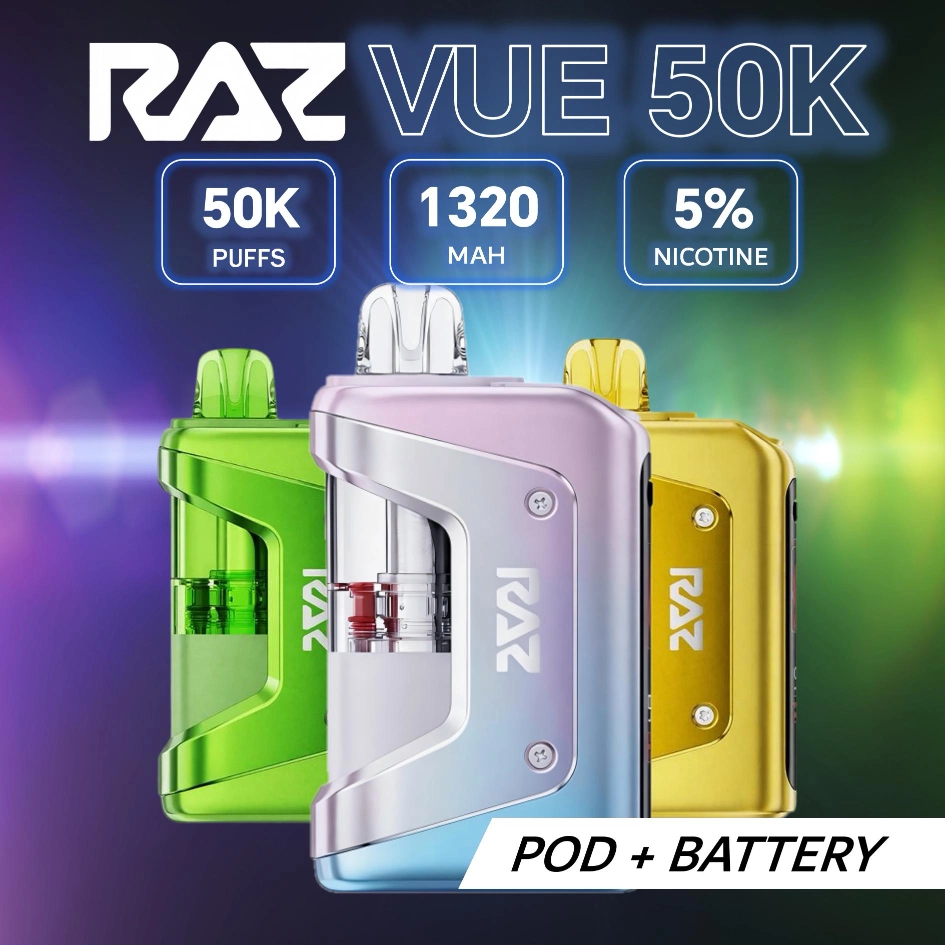
| VUE 50K | 50K / 25K | Endurance + Flavor Burst | — | Side HD + transparent tank |
A.Quick Start — How to Turn On a RAZ Vape
Before the first puff, unbox your device properly and thoroughly. These 4 steps prevent most “device not hitting” issues. If your device still won’t produce vapor after setup, see our full RAZ vape not hitting troubleshooting guide.
For VUE 50K only: snap the pod onto the power bank first, then follow the same 4 steps.
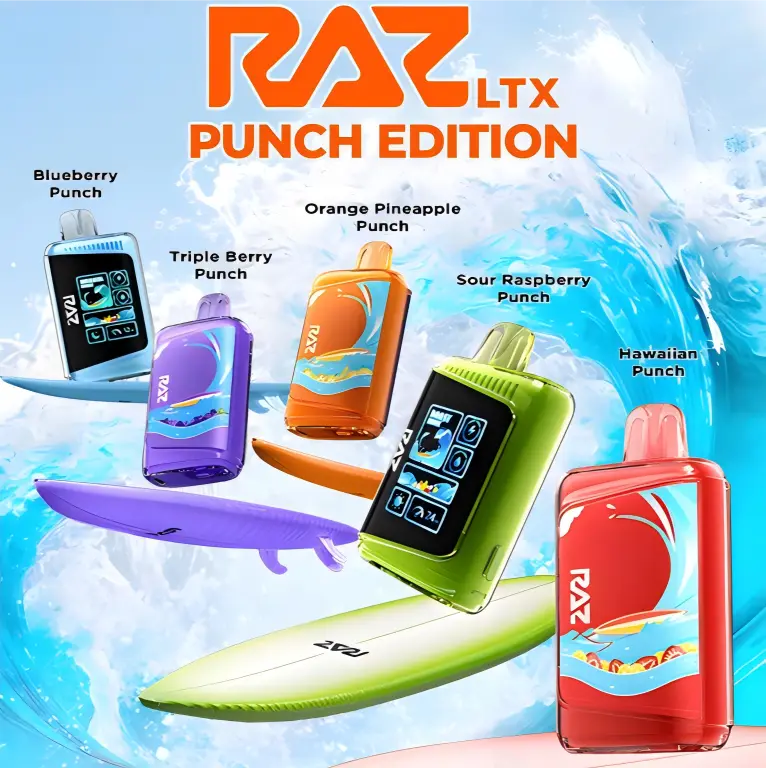
Shop The Rest of the RAZ Lineup

B.RAZ Vape Screen Meaning — Battery, E-Liquid, Puff Count
The HD screen shows real-time device status. Two main indicators appear on every model — DC25000, RX 50K, and TN9000 display them as percentage rings; RYL Classic 35K displays percentage arches.
Beyond these two indicators, some models show additional screen info:
| Feature | Available On | How to Toggle |
|---|---|---|
| Dark / Light Mode | LTX 25K, RX 50K | Long press side button (5 sec) |
| Wattage Meter | LTX 25K | Auto — bottom-right of screen shows current W |
| 9-Bar Power Meter | RX 50K | Auto — top of screen reflects mode + airflow level |
| Mode Text | RYL 35K | Auto — center of side screen between arches |
| Transparent Tank | VUE 50K | Always visible — visual e-liquid check without screen |
C.Vaping Modes Explained — Boost vs Normal vs Mega
| Model | Mode | Puffs | Wattage | How to Switch |
|---|---|---|---|---|
| TN9000 | Single mode | 9,000 | Fixed | Draw-activated only |
| LTX 25K | Normal | 25,000 | 12W | Press side button |
| Boost | 15,000 | 24W | ||
| RYL 35K | Soft | 35,000 | Low | Slide bottom switch |
| Boost | Fewer | High | ||
| RX 50K | Normal (Bar 1-3) | 50,000 | Low | Press side button |
| Boost (Bar 4-6) | 25,000 | Medium | ||
| Super (Bar 7-9) | 20,000 | High | ||
| VUE 50K | Endurance | 50,000 | 12W | Press side button |
| Flavor Burst | 25,000 | 24W |
D.Model-Specific Controls
Bottom Slider Only
- Slide Open — more air, bigger clouds (DTL / Boost)
- Slide Closed — tighter draw, stronger flavor (MTL / Soft)
RYL 35K also uses bottom switch to toggle Soft / Boost mode.
Side Button
- 1st click — wake screen, Normal Mode (25K puffs) + Light
- 2nd click — Boost Mode (15K puffs)
- Long press — toggle Dark Mode
Bottom Slider
- Open = more air | Closed = tighter draw
Side Button
- 1st click — wake screen, Normal (50K puffs) + Light
- 2nd click — Boost Mode (25K puffs)
- 3rd click — Super Mode (20K puffs)
- Long press — toggle Dark Mode
Bottom Slider (3 Positions)
- Open = big clouds | Half = moderate | Closed = tight draw
Assembly (Two-Piece Design)
- Align pod with power bank connector, press until click
- Remove silicone mouthpiece plug
- Wait 2 minutes for coil saturation, then inhale
Side Button
- Press to switch: Endurance 12W (50K) / Flavor Burst 24W (25K)
Pod Replacement
- Detach empty pod, snap on new replacement pod ($16.99, 13mL), wait 2 min
E.The Bottom Switch & Draw Activation
Every RAZ in the current lineup is draw-activated — you inhale, an internal pressure sensor detects the airflow change, and the chipset fires the coil in about 50 milliseconds. There is no power button to press and nothing to pair. So the slider or rotating ring on the bottom of the device is not a power switch, not a reset, and not a mode toggle — it is the airflow adjuster.
Slide it one way for a tighter mouth-to-lung draw (less air, denser, warmer vapor); slide it the other way for a looser direct-lung draw (more air, lighter, cooler vapor). This is the most commonly misunderstood control on RAZ devices, because the airflow change is subtle on the first puff. The separate mode button (Boost / Normal / Eco on the multi-mode models — DC25000, RYL 35K, RX 50K, VUE 50K) only changes how hard the coil fires; it never turns activation on or off, and pressing it alone produces no vapor.
A common question is which side the airflow switch is on — the answer is neither side. On every current RAZ model the airflow switch sits on the bottom of the device: a slider on the TN9000 and LTX 25K, a bottom switch on the RYL 35K. The only side-mounted control is the mode button on the multi-mode models, and that button changes wattage, not airflow.
Every instruction in this manual is nicotine-strength agnostic. The screen readouts, mode toggles, bottom switch and draw activation behave identically on the 0% units, so the same steps cover the RAZ zero nicotine TN9000 and LTX 25K — the only difference is what is in the e-liquid.
F.How to Turn Off a RAZ Vape
There is no off switch. Every RAZ is draw-activated with no power button, so how to turn off a RAZ vape is simply: stop drawing — the coil stops firing the instant airflow stops, and the device idles on its own. Nothing to hold, nothing to click. The slider on the bottom is the airflow adjuster, not a power switch (see section E above). Between sessions, keep the mouthpiece clear so nothing presses air through the sensor.
Charging Each RAZ Model (USB-C)
Every RAZ device uses a USB Type-C port at the bottom. Plug in any Type-C cable (not included). Charge for 30-50 minutes depending on model. Unplug when screen shows full.
| Model | Battery | Est. Charge Time | Port |
|---|---|---|---|
| TN9000 | 650mAh | ~30 min | USB-C |
| LTX 25K | 800mAh | ~40 min | USB-C |
| RYL 35K | 820mAh | ~40 min | USB-C |
| RX 50K | 800mAh | ~45 min | USB-C |
| VUE 50K | 900mAh (bank) + 420mAh (pod) = 1,320mAh | ~50 min | USB-C (on power bank) |
Not charging? Try a different cable or power source first. If the device still won’t respond, check our reset guide below. Charger types, the VUE magnetic base and charge times per model are in RAZ vape charger base and charge time by model; battery-life expectations by model are in how long does a RAZ vape last.
Device Not Working?
Light blinking abnormally or device won’t fire — it may need a reset. Full troubleshooting: How to Reset RAZ Vape
G.RAZ Vape User Manual PDF Downloads



- RAZ Vape Not Hitting? Fix Guide
- How to Reset RAZ Vape
- RAZ Vape Ingredients
- Are RAZ Vapes Safe?
- RAZ Vape Price Guide 2026
- Full Flavor Catalog (80+)
- Verify Device
- Support & Warranty
- RAZ VUE pods near me
H.RAZ Vape Instructions FAQ
How do I turn a RAZ disposable on for the first time?
Every current RAZ disposable (TN9000, DC25000/LTX 25K, RYL Classic 35K, RX 50K, VUE 50K base) is draw-activated — there is no power button. Remove the silicone mouthpiece and battery-port stickers, take a 1.5–2 second test draw, and the LED lights up indicating the device is on. If the LED does not light, top up the battery via USB-C for 5 minutes and retry.
What does each LED color mean on a RAZ device?
Solid white during draw = normal operation. Blinking red = battery below 15% (charge soon). Blinking blue = currently charging. Solid red while not drawing = device is end-of-life or e-liquid is empty. The full code chart with model-by-model differences is on the RAZ blinking light codes guide.
Can I switch between Normal and Boost mode?
Yes — on devices that support dual mode (DC25000/LTX 25K, RYL 35K, RX 50K, VUE 50K). Press the firing-mode button on the side of the body twice quickly; the screen toggles between N (Normal) and B (Boost). The TN9000 is single-mode (Normal only) and has no mode toggle.
How do I clean a RAZ disposable mouthpiece?
Wipe the silicone mouthpiece with a dry cotton cloth or cotton bud. Do not use alcohol wipes or solvents — they degrade the silicone seal. Do not run water through the mouthpiece; the e-liquid path is sealed but residual moisture can pool against the coil and cause spit-back. If the mouthpiece tastes off, the device may be near end-of-e-liquid (the last 1,000 puffs typically lose flavor on any disposable).
The device works but tastes burnt — what should I do?
Burnt taste indicates the coil is dry-firing. Stop drawing, leave the device upright for 10 minutes to let e-liquid re-saturate the coil, then test with a soft draw. If burnt taste persists, the e-liquid wick is end-of-life — open the cardboard outer carton, find the authentication code, and contact service@raz-vape.com with the code for a warranty replacement (RAZ replaces dry-coil failures within the 30-day warranty window).
Need Help Using Your RAZ?
Email service@raz-vape.com with the device model and a short description — reply within 24 hours on US weekdays.
For consumer product safety information, visit CPSC Safety Guides.
All operation steps apply to the raz vape 25k and every model in the raz vape 50k series; pod-swap mechanics are detailed on the RAZ Vape Refill page. Browse every RAZ vape flavors profile, or look up RAZ vapes near me for in-person help.
Emily
Online nowBefore we start chatting…
Drop your email (or phone) so we can pull up your order and answer faster.
Please enter your email address.